

Concourse CI YAML Editor for Atom


This extension provides basic validation, content assist and hover infos for editing Concourse Pipeline and Task Configuration Files.
It is recommended to use this extension package when atom-ide-ui atom extension package is installed. Thus, reconciling (error/warning markers) and hover support is fully functional.
Usage
The Concourse editor automatically activates when the name of the file you are editing is pipeline.yml or task.yml. Alternately, you can select the grammar for your file by doing these steps:
- Open the file, and it will most likely open with the default Atom YAML editor.
- In the bottom-right of the editor, click on YAML.
- This opens the Grammar Selection dialogue. Search and select
Concourse-Pipeline-YAMLfor pipeline files, orConcourse-Task-YAMLfor task files.
Functionality
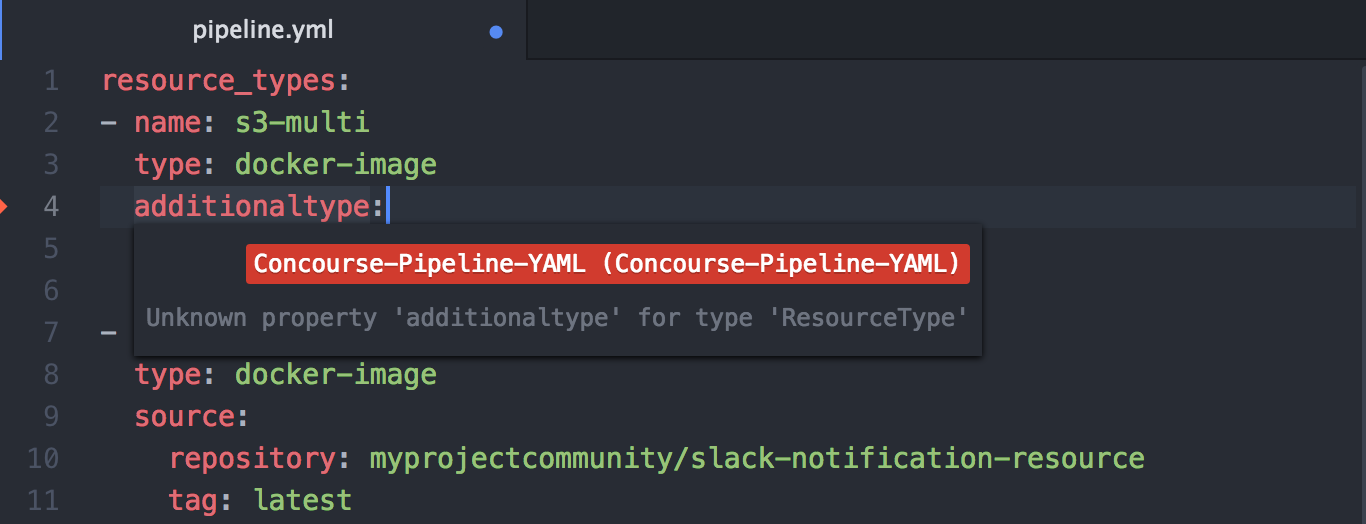
Validation
(Requires atom-ide-ui package) As you type the file is parsed and checked for basic syntactic and structural correctness. Hover over an error marker to see an explanation.
Content Assist
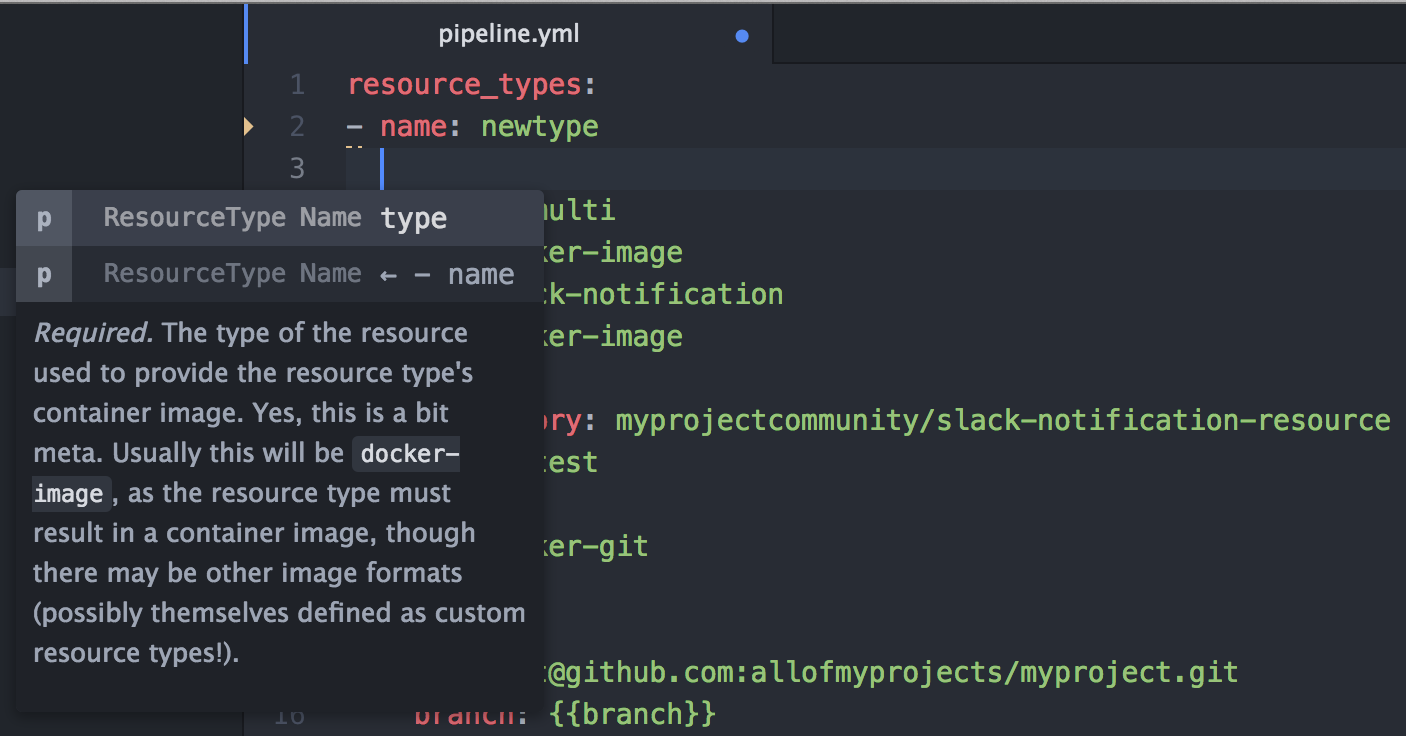
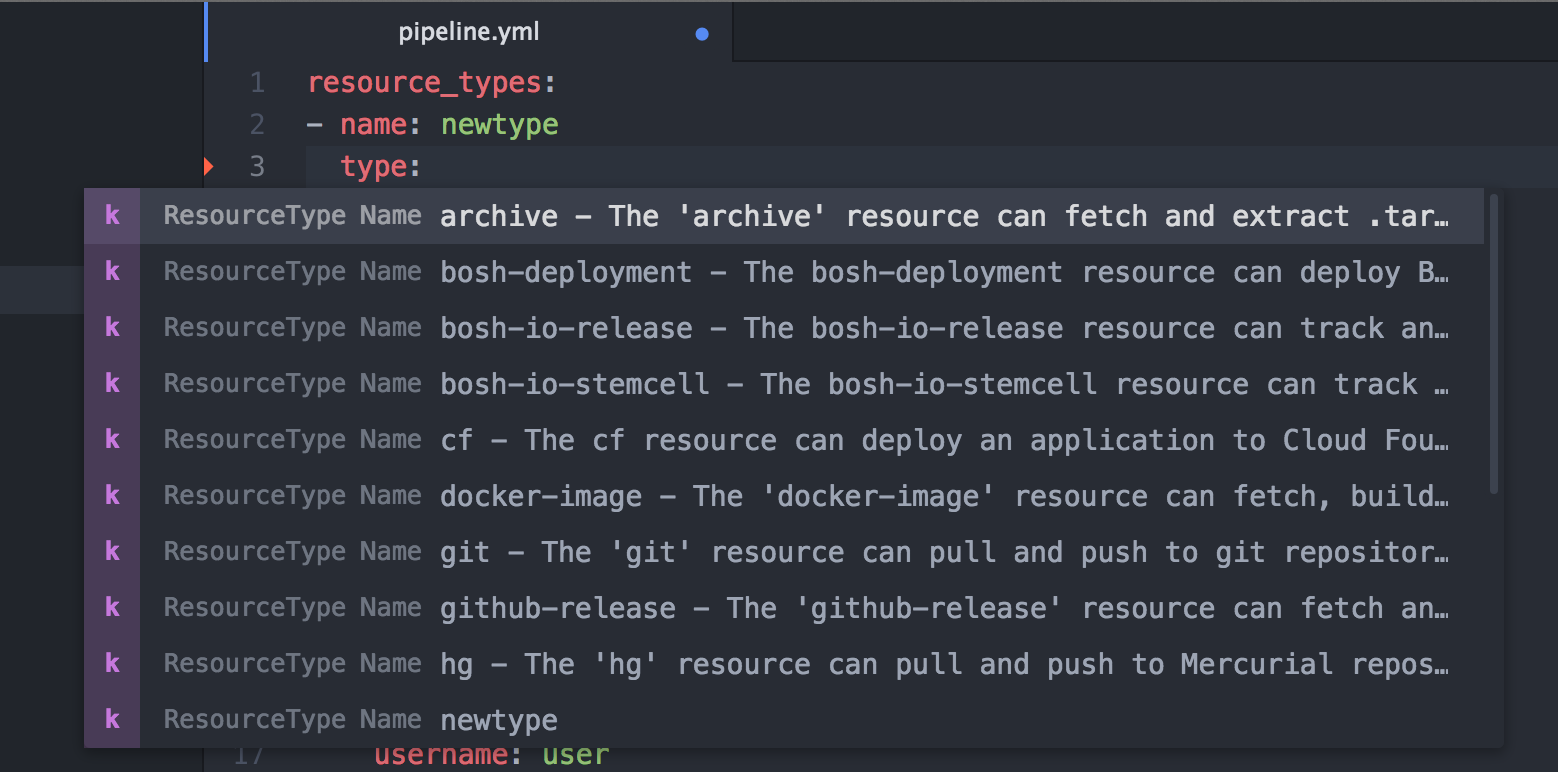
Having trouble remembering all the names of the attributes, and their spelling? Or can't remember
which resource properties to set in the get task params versus its source attributes? Or
don't remember what 'special' values are acceptable for a certain property? Content assist
to the rescue:
Documentation Hovers
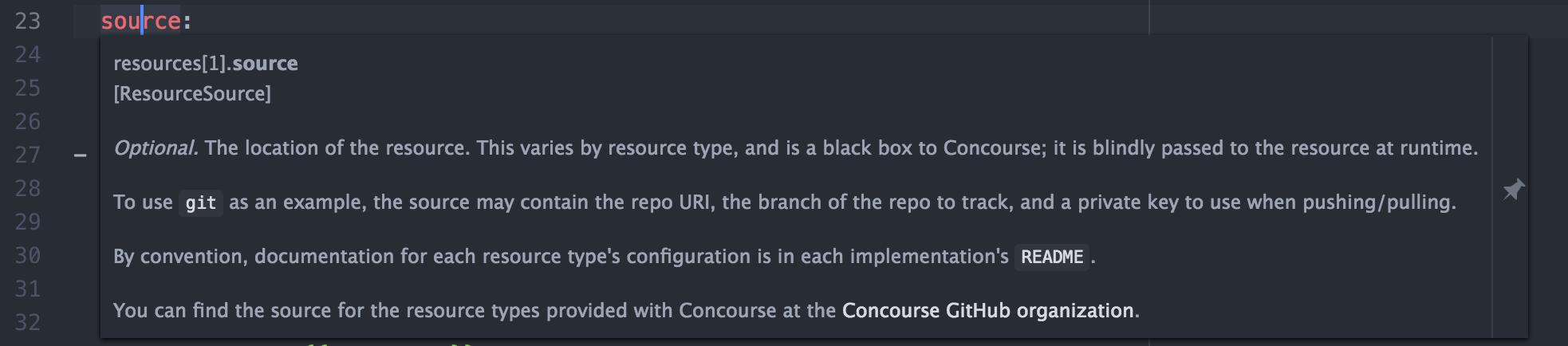
(Requires atom-ide-ui package) Having trouble remembering exactly what the meaning of each attribute is? Hover over any attribute and
read its detailed documentation.
Navigate to Symbol in File
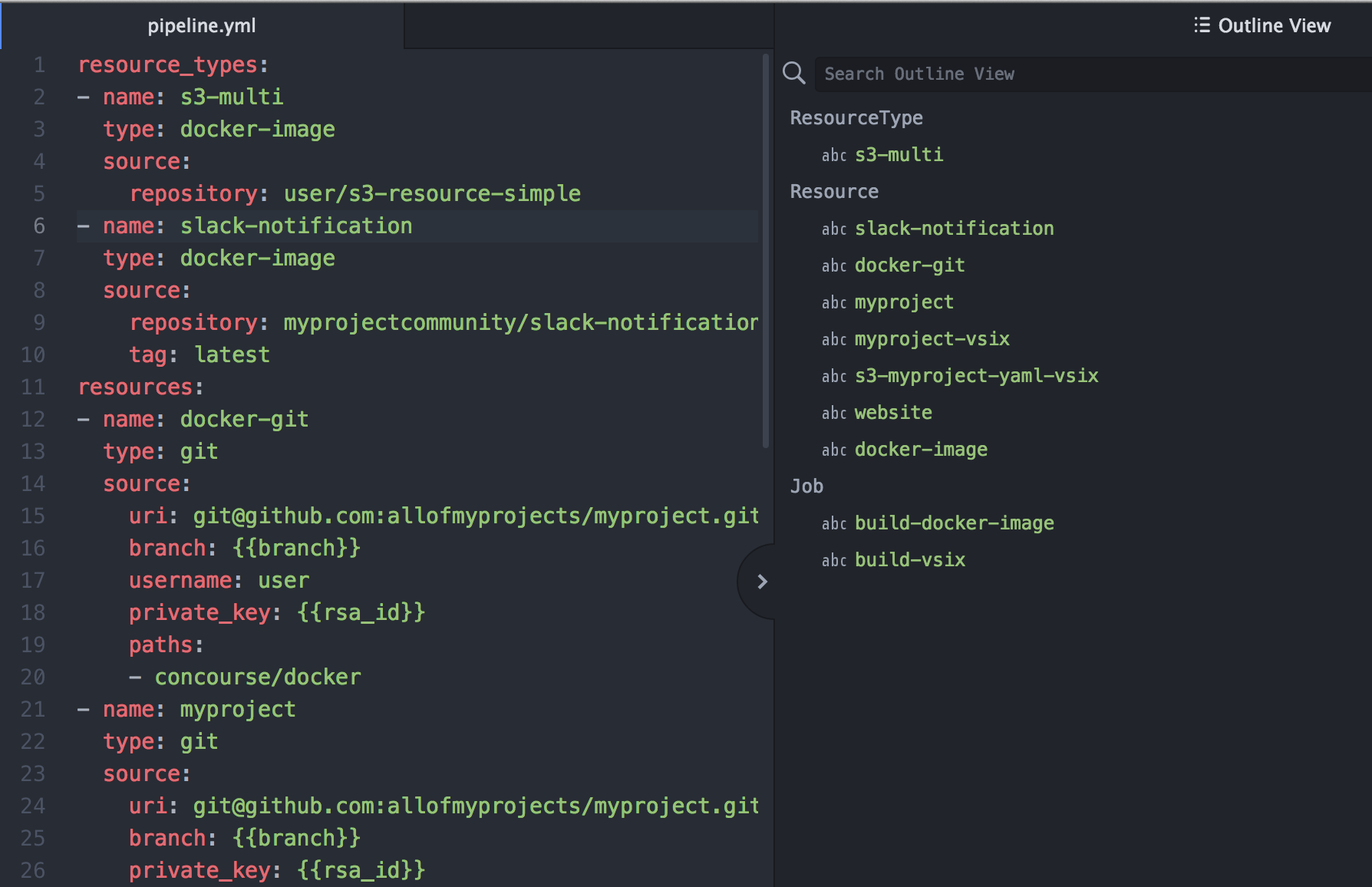
Is your Pipeline yaml file getting larger and it is becoming harder to find a particular Job, Resource or Resource Type declaration? The Atom Outline View (View -> Toggle Outline View) helps you quickly jump to a specific definition.
Dev environment setup:
Prerequisite: Node 6.x.x or higher is installed, Atom 1.17 or higher is installed
- Clone the repository
- Run
npm install - Execute
apm link .from the folder above - Perform
Reload Windowin Atom (Cmd-Shift-P opens commands palette, search forreload, select, pressReturn) - Open any
pipeline.ymlortask.ymlfile in Atom observe reconciling, content assist and other IDE features